Understanding Cricut SVG Files and Their Importance
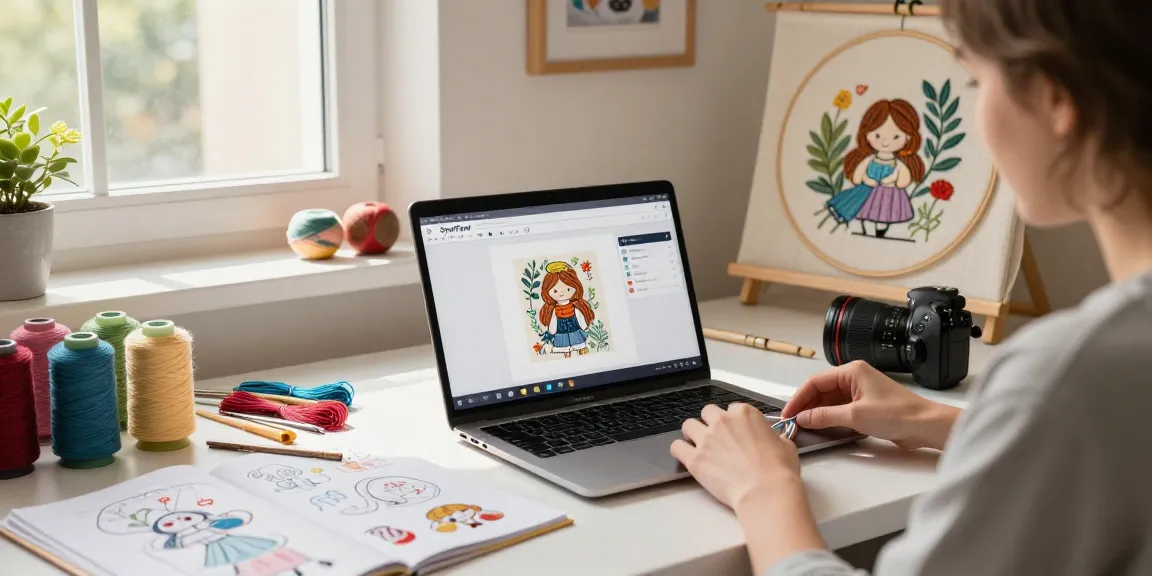
If you’re diving into the world of crafting with a Cricut machine, understanding SVG files is crucial. SVG, which stands for Scalable Vector Graphics, is a file format that’s perfect for cutting machines like Cricut, as it allows for high-quality designs without losing resolution, no matter how much you scale them up or down. A well-made Cricut SVG file can transform your crafting experience, making complex cuts easy to achieve and enhancing the overall quality of your projects.
What is a Cricut SVG File?
Cricut SVG files are specific types of vector graphics designed to be compatible with Cricut cutting machines. Unlike raster images such as JPEG or PNG, which can lose quality when scaled, SVG files maintain their clarity at any size. This makes them ideal for intricate designs that require precision, such as lettering, intricate patterns, and logos. The beauty of SVG files lies in their ability to be edited easily—you can manipulate shapes, colors, and sizes without the risk of pixelation.
Benefits of Using Cricut SVGs for Crafting
- Versatility: SVG files can be used for a variety of projects, including scrapbooking, card making, vinyl decals, and more.
- Precision: The vector format ensures clean cuts, allowing for intricate designs that traditional methods struggle to replicate.
- Easy to Edit: Most design software allows for simple adjustments to SVG files, making it easy to customize your projects.
- Time-Saving: Pre-made SVG files can save you hours compared to creating designs from scratch.
Common Misconceptions About Cricut SVG Files
Despite their advantages, there are some common myths surrounding Cricut SVG files. One of the most prevalent is that they are only for expert crafters. In reality, SVG files are accessible to beginners, especially with the plethora of tutorials available online. Another misconception is that all SVG files are of equal quality; however, not all SVGs are created equally, and the source from which you obtain them can significantly impact your crafting experience.
Finding Quality Cricut SVG Files Online
With the plethora of resources available online, finding quality Cricut SVG files can feel overwhelming. However, distinguishing reliable sources can greatly enhance your crafting journey. Many websites offer free and paid SVG files, allowing you to explore your options according to your needs.
Top Websites for Free Cricut SVG Downloads
- Design Bundles: Known for its wide selection of free SVG files, Design Bundles also provides commercial licenses, ensuring you can use the designs for your business.
- SVGCuts: This site offers a range of digital cuts for Cricut, Silhouette, and other machines. It features both free and premium options.
- Cricut.com: Their official website includes a library of SVG files accessible through their Cricut Access subscription.
- HelloSVG: This site is perfect for beginners, offering a variety of free SVG files including seasonal themes and popular designs.
Evaluating the Quality of Cricut SVG Designs
Not all SVG files are made equal. When evaluating the quality of designs, consider the following:
- File Format: Ensure that the file is indeed an SVG. Some sites may offer different formats that may not work with your machine.
- Reviews and Ratings: Look for feedback from previous users to gauge the design quality and ease of use.
- Compatibility: Make sure the SVG files are compatible with your specific Cricut model.
- Resolution and Detail: Good quality SVGs should have clean lines and be detailed enough to cut well.
Tips for Downloading and Organizing Your SVG Files
As your collection of SVG files grows, efficient organization becomes vital. Here are some tips:
- Create a Folder System: Organize files by categories such as holidays, themes, or project types.
- Use Descriptive File Names: Rename files to reflect their designs for easier searching.
- Backup Your Files: Regularly back up your SVG files on an external drive or cloud storage to prevent loss.
- Keep Track of Usage: Maintain a list of which designs you’ve used, so you can avoid duplicating efforts.
Crafting with Cricut SVGs: Best Practices
Successfully bringing your Cricut SVG designs to life requires a solid grasp of best practices in crafting. Knowing how to handle SVG files properly can lead to impressive results and a smooth crafting experience.
Step-by-Step Guide to Using Cricut SVGs
- Choose Your Design: Select an SVG file that fits your project requirements.
- Upload to Design Space: Open Cricut Design Space, and upload your SVG file.
- Adjust Size and Color: Resize and change colors as necessary to fit your project.
- Prepare for Cutting: Load the mat with your chosen material and ensure the machine is ready.
- Cut and Assemble: Send the design to your Cricut machine, then assemble any multi-part designs.
Troubleshooting Common Cricut SVG Issues
Even experienced crafters can encounter issues with SVG files. Here are some common problems and their solutions:
- Incorrect Cutting: Ensure that the design is properly aligned and that your machine settings match the material.
- Unwanted Overlapping Cuts: Check if the file has overlapping layers and use the contour tool in Design Space to simplify the design.
- File Not Uploading: Verify that the file is saved in the correct SVG format and not as another image type.
Innovative Craft Ideas Using Cricut SVGs
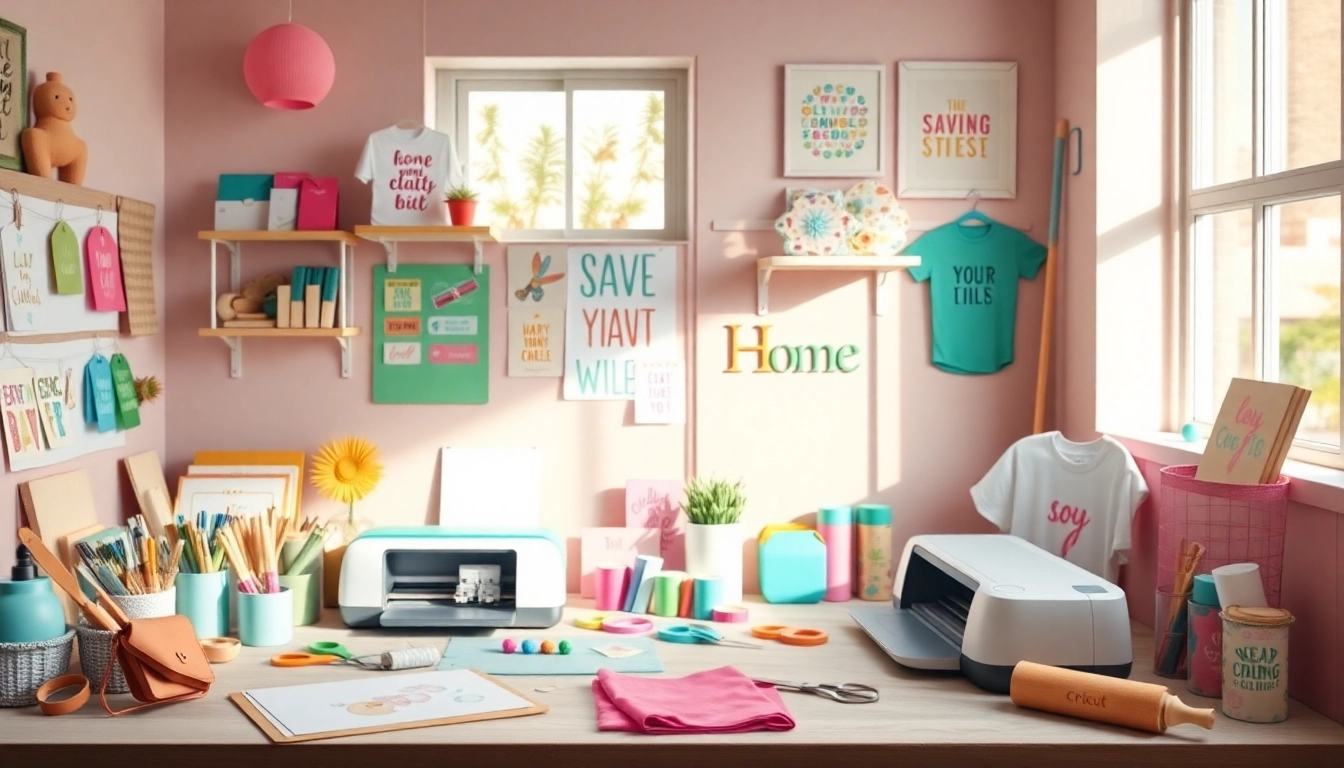
Once you grasp the basics, the possibilities with Cricut SVG files are nearly limitless. Here are a few creative project ideas to inspire you:
- Custom T-shirts: Use SVGs to create personalized apparel for events or gifts.
- Wall Art: Craft stunning wall decorations by combining different SVG designs.
- Vinyl Decals: Create unique stickers for home decor or business branding.
- Gift Tags and Cards: Elevate your handmade gifts with custom-designed tags and cards.
Creating Your Own Custom Cricut SVG Files
Creating your own SVG files opens up a new frontier for crafters. With the right tools and techniques, anyone can design unique graphics tailored to their projects.
Tools and Software for Designing SVG Files
Several software options can help you craft your SVG files:
- Adobe Illustrator: A powerful tool for professional graphic design, allowing detailed SVG creation.
- Inkscape: A free, open-source vector graphics editor perfect for beginners and professionals alike.
- CorelDRAW: This software offers robust design capabilities, especially for more complex SVG projects.
- Canva: While not specifically for SVGs, Canva allows for simple designs that can be exported as SVG files if premium features are unlocked.
A Beginner’s Guide to SVG File Creation
If you’re new to creating SVG files, start with these fundamental steps:
- Sketch Your Idea: Start with a rough sketch of your design on paper to visualize the concept.
- Choose Your Software: Select one of the tools mentioned above that fits your skill level.
- Create the Design: Utilize the software to create the shapes and paths of your design.
- Export as SVG: Once your design is complete, export the file in SVG format for compatibility.
Advanced Techniques for Professional SVG Designs
For those looking to elevate their design skills, consider these advanced techniques:
- Layering: Create complex designs by layering multiple SVGs to add depth.
- Using Gradients: Incorporate gradients into your SVGs for added visual appeal.
- Animation: For digital projects, consider adding animations to SVG files for interactive designs.
Future Trends in Cricut SVG Usage for 2026 and Beyond
As technology evolves, so do the tools and resources available to crafters. Keeping an eye on future trends can help you stay ahead in your crafting journey.
Emerging Techniques in SVG Crafting
In the upcoming years, expect to see a greater integration of technology in crafting, with techniques such as:
- Augmented Reality (AR): AR applications may allow crafters to visualize SVG designs in their own space before cutting.
- 3D Printing: As 3D printing becomes more accessible, expect SVGs that can complement or transition to 3D designs.
- Advanced Software Integration: More user-friendly design software will make creating and editing SVGs easier for beginners.
Predictions for Popular Cricut SVG Styles in 2026
As crafting trends change, here are some anticipated popular styles for Cricut SVGs:
- Minimalist Designs: Simple, clean lines will likely dominate, appealing to modern aesthetics.
- Nature-Inspired Themes: Designs that echo environmental consciousness will be increasingly popular.
- Personalized Projects: Customization will remain a key trend, with more focus on unique, personalized SVGs.
How Technology Will Transform Cricut SVG Use
Advances in software and hardware will continue to enhance how crafters use SVG files. Expect more intuitive interfaces and better integration with design programs, making it easier than ever to create and implement your own designs. As the technology behind cutting machines improves, crafting with SVG files will become a more seamless and enjoyable process.